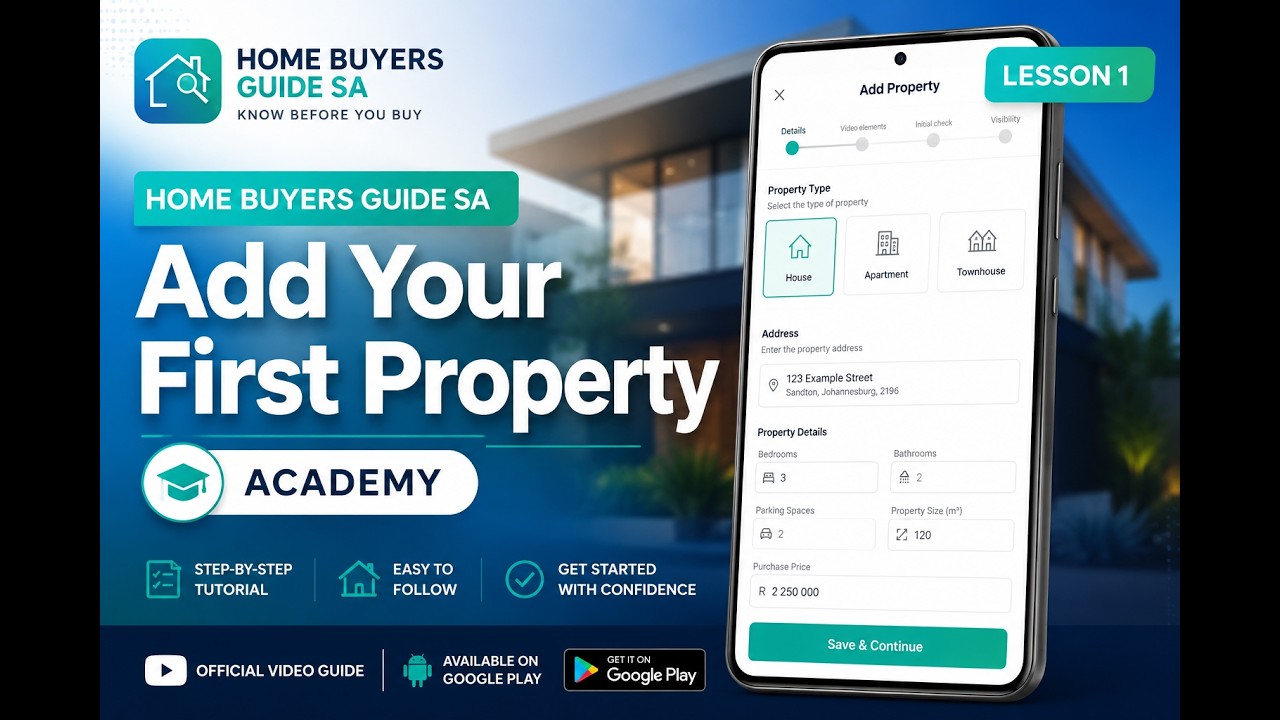
Lesson 1: How to Add a Property
Learn how to add a new property to the app and set it up ready for your assessment visit.
Watch on YouTube
Watch in order for the best experience — each lesson builds on the previous one
Learn how to add a new property to the app and set it up ready for your assessment visit.
Watch on YouTube
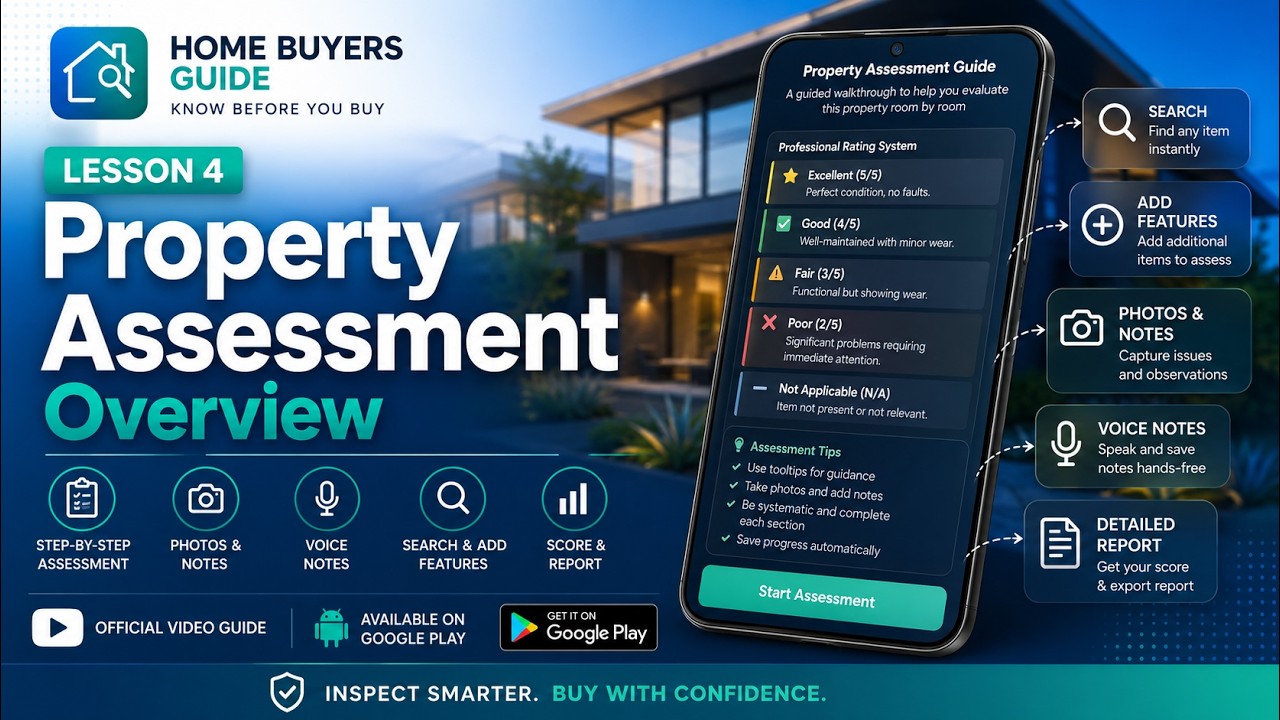
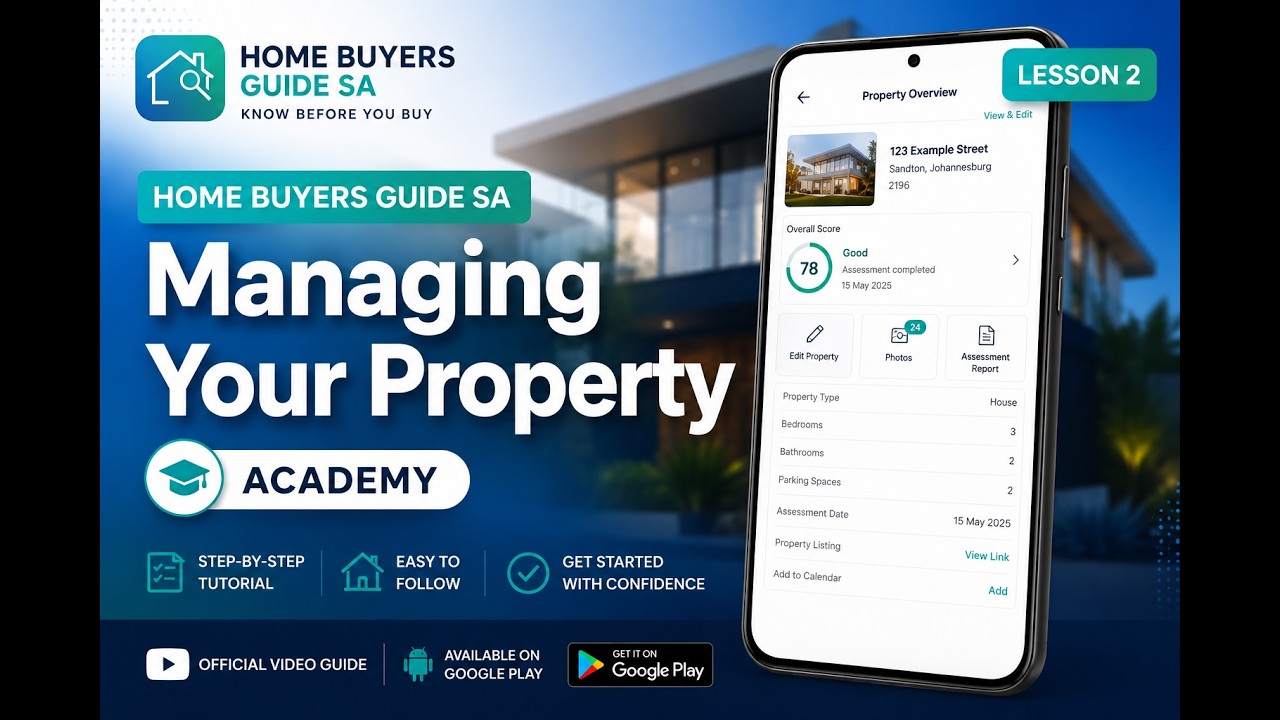
See how to view, edit, and manage your saved properties, photos, and assessment progress within the app.
Watch on YouTube
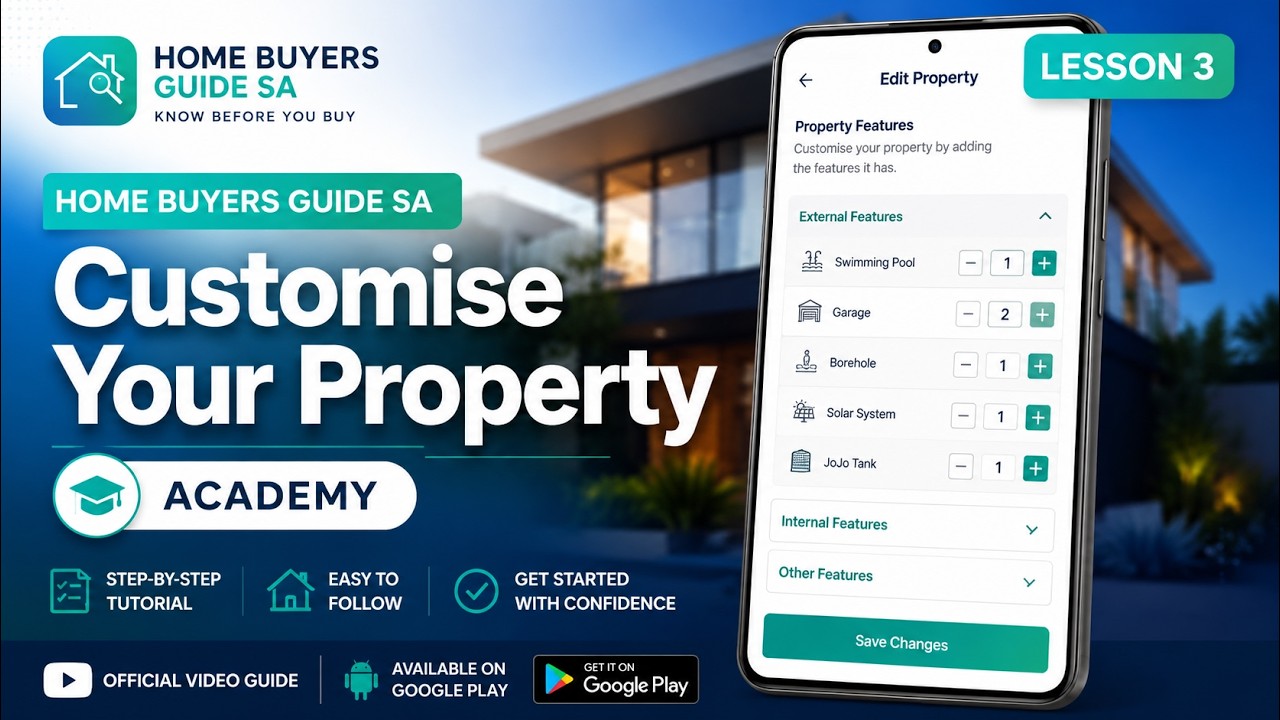
Tailor the assessment checklist to match any property type by adding your own custom features, items and questions.
Watch on YouTube
Walk through a complete property assessment from start to finish — rooms, scoring, photos, and generating your PDF report.
Watch on YouTubeSubscribe to the channel so you’re notified when new lessons are published.
Watch Full Playlist on YouTubeDownload the app and follow along with the lessons during your next property viewing.
✓ Free to use · No account needed · Web app adds to Home Screen